Launch · 5 min read
Introducing Word Gate: earn screen time by learning vocabulary
A launch overview of Word Gate, the iPhone app blocker that turns distracting app opens into quick vocabulary practice.
Word Gate is built around a simple trade: if a distracting app wants your attention, it has to teach you something first.
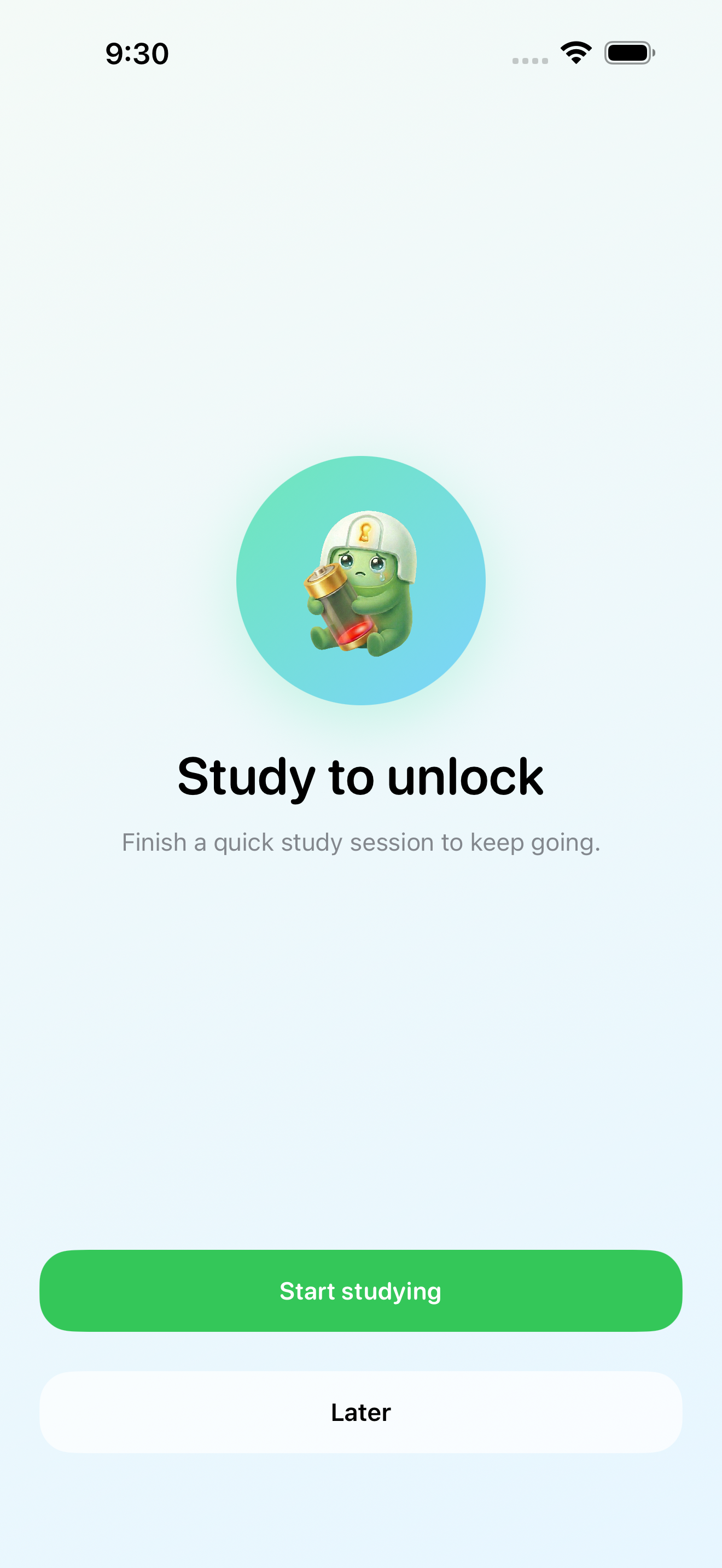
Instead of only saying “do not open this app,” Word Gate puts a short vocabulary gate between the impulse and the scroll. You pick the apps that tend to pull you in. When one of them is blocked, Word Gate asks for a small active proof: answer a word, complete a quick prompt, and earn a short amount of access.
Why we built it
Most app blockers are binary. The app is either locked or open. That can help, but it also creates a familiar loop: block, get annoyed, disable, repeat.
Word Gate is different because the unlock path has value. The goal is not to shame you out of using your phone. The goal is to make every unlock more deliberate and turn a few of those automatic opens into language practice.
The product is designed for the hot moment: the second you reach for a distracting app without thinking. In that state, a weak reminder is easy to ignore. A short challenge is harder to bypass, but still small enough to finish.
What Word Gate does
Word Gate combines three pieces:
- A Screen Time-based app blocker for selected distracting apps.
- A vocabulary learning loop with quick questions and teaching screens.
- A time reward system that makes access feel earned instead of automatic.
The basic loop is intentionally short. One word can earn a small amount of time. A session can include multiple prompt types, including meaning choice, cloze-style context questions, short input, and listening-style prompts.
The gate is not a flashcard swipe
Word Gate uses active proof. That means the app does not treat a mindless swipe as learning.
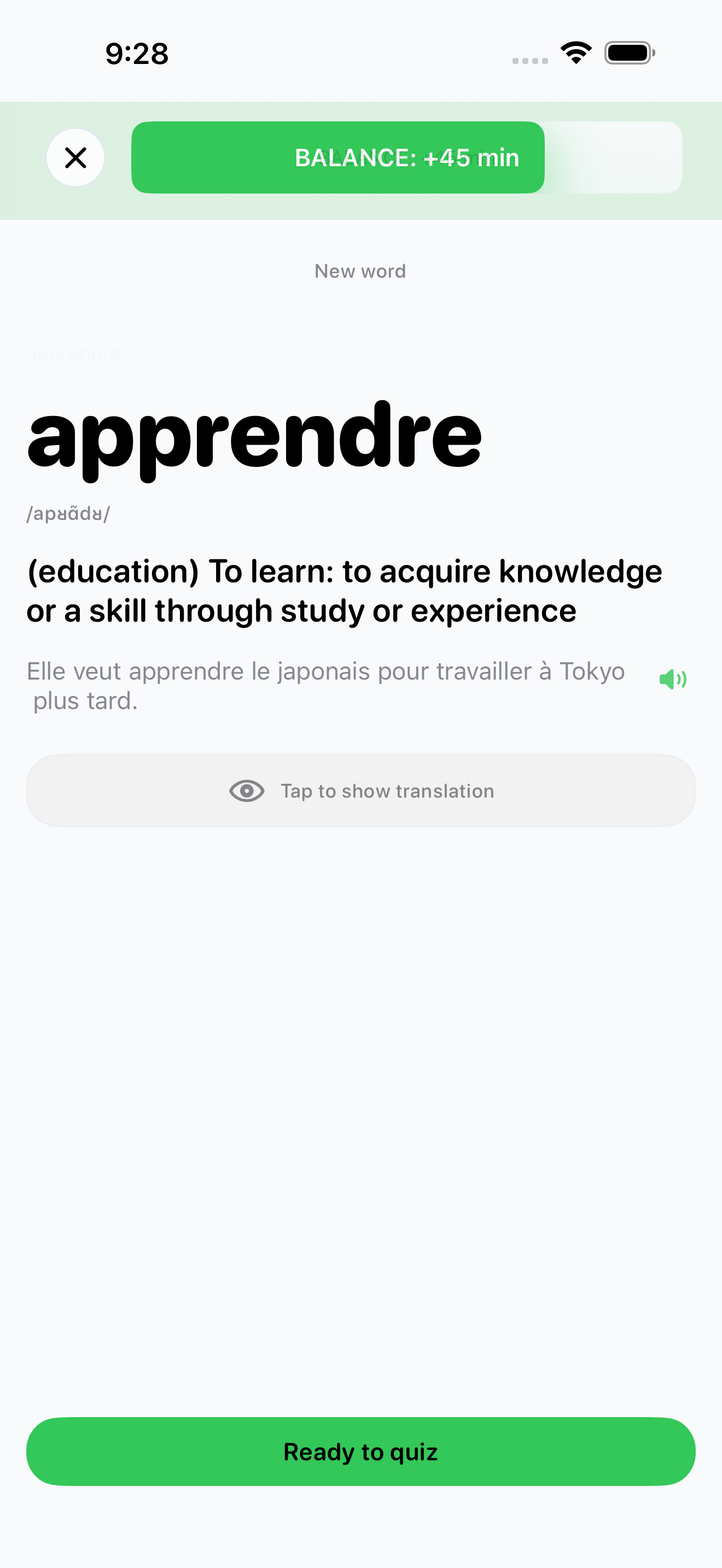
When you hit a word you do not know, the app can move into a teaching state. You see the word, meaning, and example context, then verify that you understood it before moving on. The point is to keep the path fair: you are never trapped by a new word, but you still have to do a real interaction to unlock time.
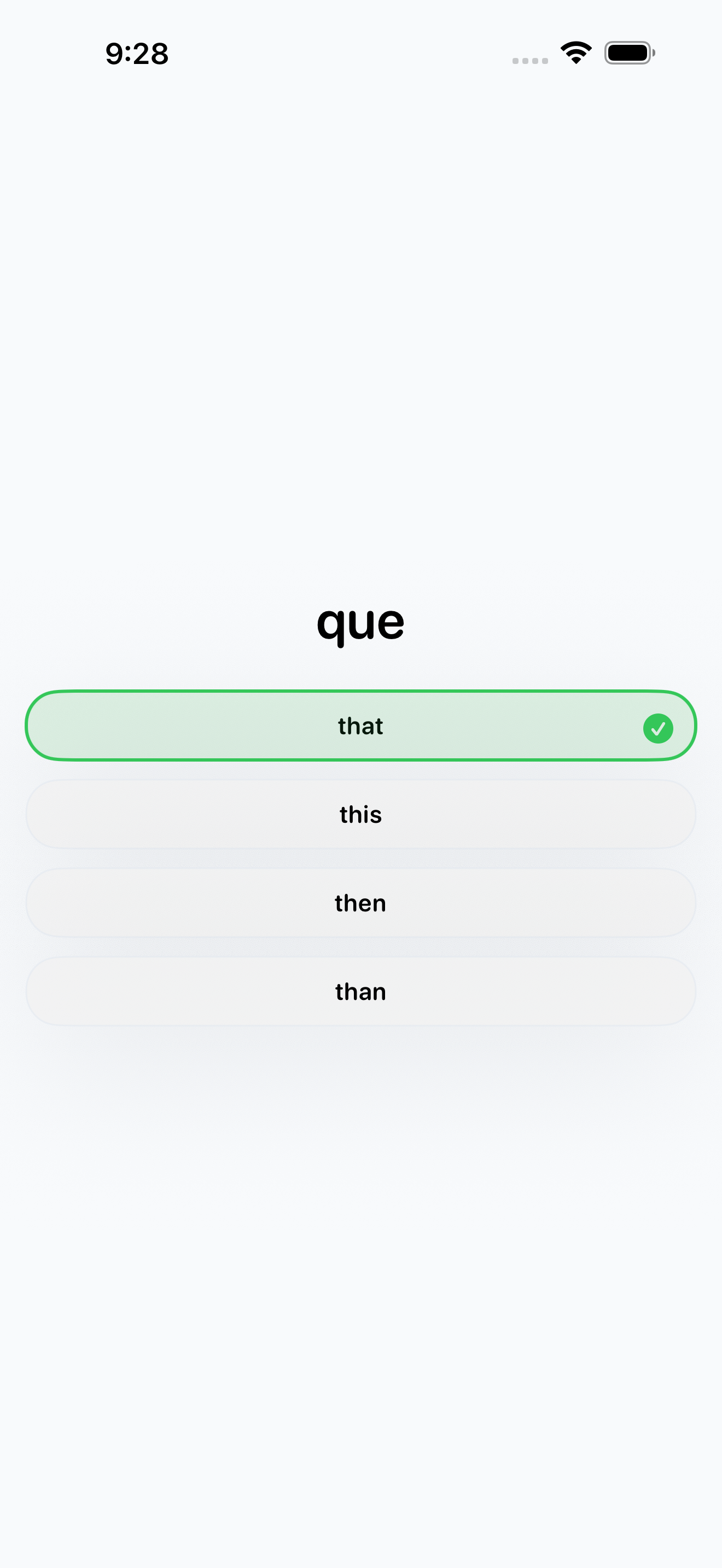
Correct answers give immediate feedback and move the session forward. Wrong answers are not a dead end; they guide you back into learning so guessing is slower than paying attention.
Screen Time blocking, with honest limits
Word Gate uses Apple’s Screen Time frameworks to help block selected apps and categories. That gives the blocker system-level enforcement instead of relying only on in-app reminders.
iOS still has real platform constraints. System callbacks can be delayed, warnings are best-effort, and no app can promise perfect second-by-second locking in the background. Word Gate is designed around that reality: it uses the system tools available, keeps the user-facing promise conservative, and avoids pretending that iOS gives developers a magic real-time lock API.
The dashboard shows what matters
The dashboard is built around access state and study progress. You can see whether you are ready, in debt, or blocked, then jump into the next learning action. The app also includes settings for Screen Time selection, unlock duration, study profile, decks, and subscription access.
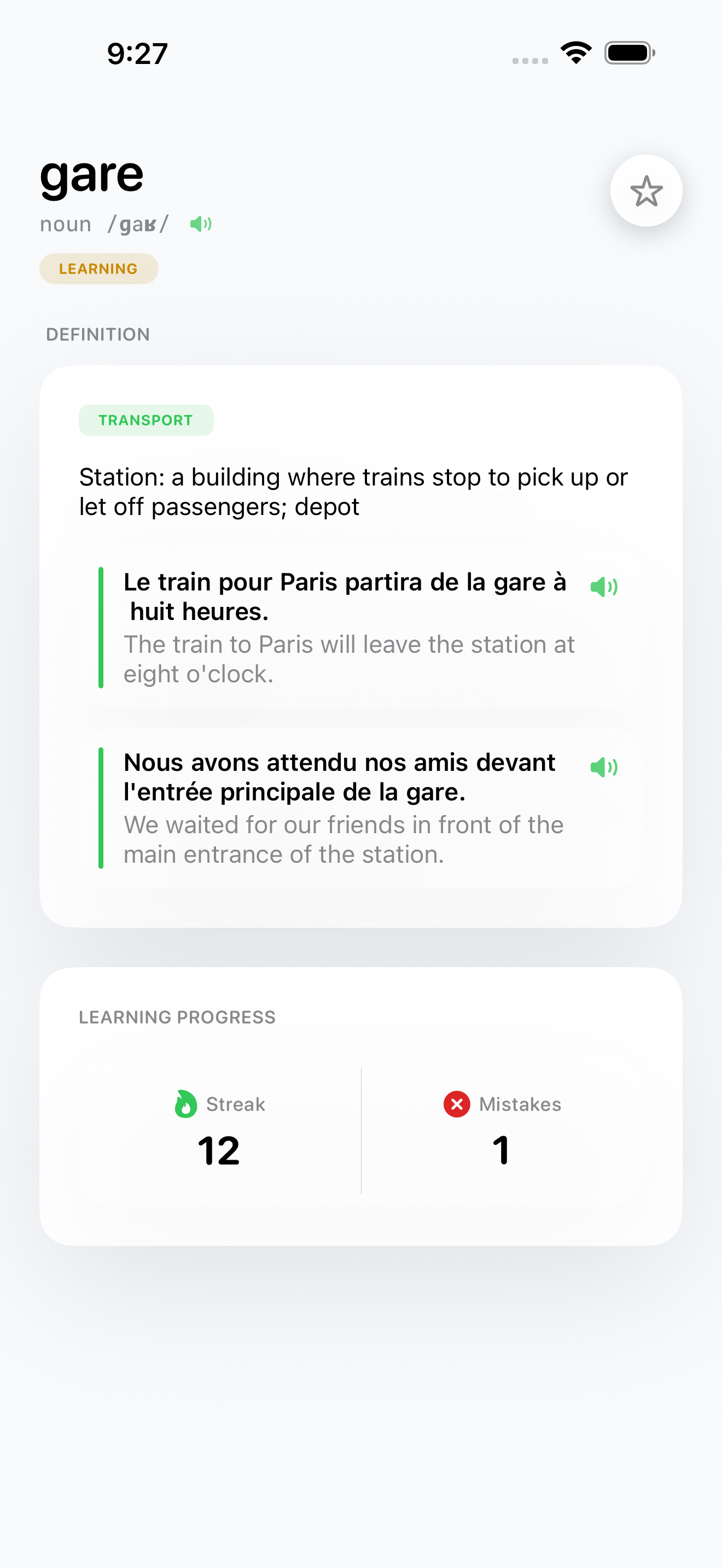
Word Gate also includes vocabulary lookup. You can search words, inspect definitions, and keep useful words in your learning loop instead of treating the blocker as a separate punishment tool.
What is included at launch
The launch version focuses on the core loop:
- Choose distracting apps and categories through iOS Screen Time selection.
- Complete short vocabulary challenges to earn access.
- Learn unfamiliar words through a teaching screen before verification.
- Use multiple prompt styles, including choice, cloze, input, and listening-oriented challenges.
- Track earned time and debt through the access dashboard.
- Search vocabulary and review word details.
- Configure study language, decks, Screen Time settings, and subscription access.
The important part is the shape of the habit. Word Gate does not ask you to become a perfect phone user overnight. It changes the cost of the reflex. If you open the app, you learn first.
Who Word Gate is for
Word Gate is for people who already know which apps steal their time, but do not want another blocker that only adds guilt.
It is also for language learners who struggle to start a dedicated study session. The app moves the study prompt into a moment that already happens many times a day: opening the thing you probably should not open automatically.
One unlock will not make you fluent. But hundreds of tiny gates can turn wasted openings into repeated exposure, recall, and context.
That is the promise of Word Gate: earn time, not scrolls.
Learn more about Word Gate or read more app blocking articles.